
What is an eSIM?
Understand what an eSIM is, how a digital SIM profile works, dual-SIM travel, activation and the checks to make before buying.
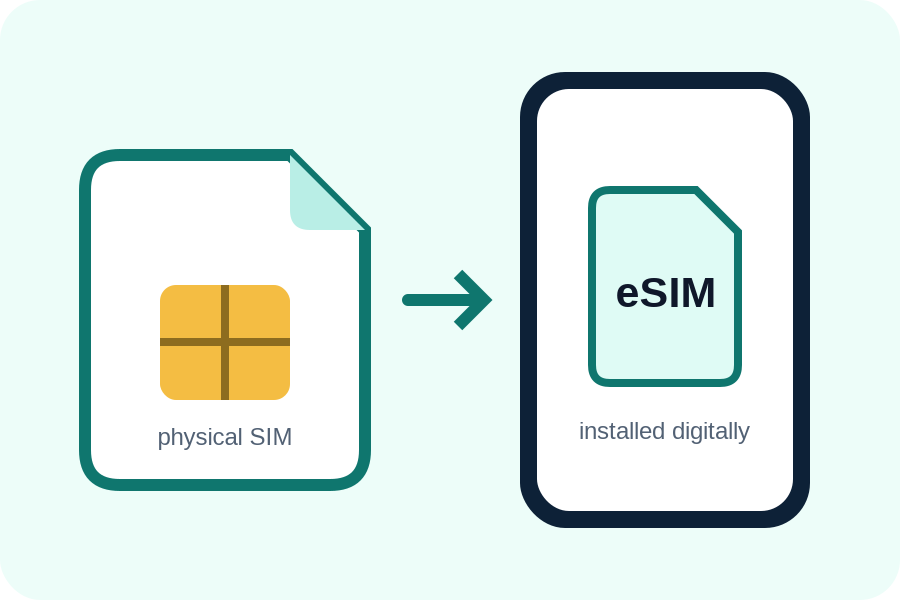
A digital profile, not a separate app
The eSIM is installed in the phone's mobile-network settings using a QR code, activation link or manual details. The plan then appears as another mobile line.
How dual-SIM travel works
A travel eSIM can provide mobile data while the home SIM remains available for calls or messages. You control which line handles data and whether the home line stays active.
From purchase to connection
Choose a compatible plan, save its activation details, install it according to the timing policy, label both lines and enable the required settings at the destination.
What an eSIM does not guarantee
The format alone does not guarantee coverage, speed, a phone number, hotspot support or a refund. Those depend on the selected plan and provider terms.
An eSIM is a downloadable SIM profile
A compatible phone can download a mobile plan instead of receiving a removable card. A travel eSIM commonly supplies mobile data in one or more destinations and can often operate beside the home SIM. Calls, SMS and a local number are included only when the plan says so.
What an eSIM does not prove
The term eSIM does not guarantee that a phone is unlocked, that 5G is available, that a plan includes every country, or that data is unlimited at full speed. Those are separate device, plan and network questions.
Before leaving for your destination, check that the phone is unlocked and eSIM-compatible. Match the plan's your destination coverage, data, validity and hotspot terms to the trip, and save your accommodation address and first transfer offline.
Understand the profile lifecycle
Purchase produces activation information for one plan. Installation adds the profile to a compatible phone. Activation starts service according to the plan's activation rule, and validity determines how long it remains usable. Those stages can occur at different times and should not be treated as synonyms.
After validity ends, deleting the expired profile can tidy the device, but deletion during troubleshooting may permanently remove a single-use installation. Keep the profile until support confirms the next step.
Control the home and travel lines
Choose which line handles data, calls and messages. Disable automatic switching when it could trigger home roaming, and understand that bank SMS may still arrive on the home number with carrier-specific charges.
Use the connection checklist
List every country and travel day before comparing plans. Remove options that miss a stop or expire too early, then compare the remaining allowances and conditions.
Keep the exact plan name, activation timing and first connection steps together so the choice remains clear after purchase.
Check the route before comparing allowances
For understanding how a travel eSIM works, list every destination and travel day first. Remove plans that miss a stop or expire too early, then compare allowance, activation and current total among the choices that remain.
Keep the selected plan name, phone requirement and activation event together. The storefront name does not identify the partner network or guarantee reception at a particular place.
Carry one private connection note
Save the travel data line and first connection steps before departure. identify which layer owns the unanswered question before contacting support. If the installed profile is mistaken for guaranteed service, use that note before deleting the profile or changing unrelated settings.
Frequently asked questions
Is an eSIM the same as roaming?
No. An eSIM is a SIM format; roaming describes service on another network. A travel eSIM may itself use partner-network roaming.
Do I remove my physical SIM?
Usually not. Compatible dual-SIM phones can keep the physical SIM installed while using an eSIM.